
 All news is rigorously fact-checked and reviewed by leading blockchain experts and seasoned industry insiders.
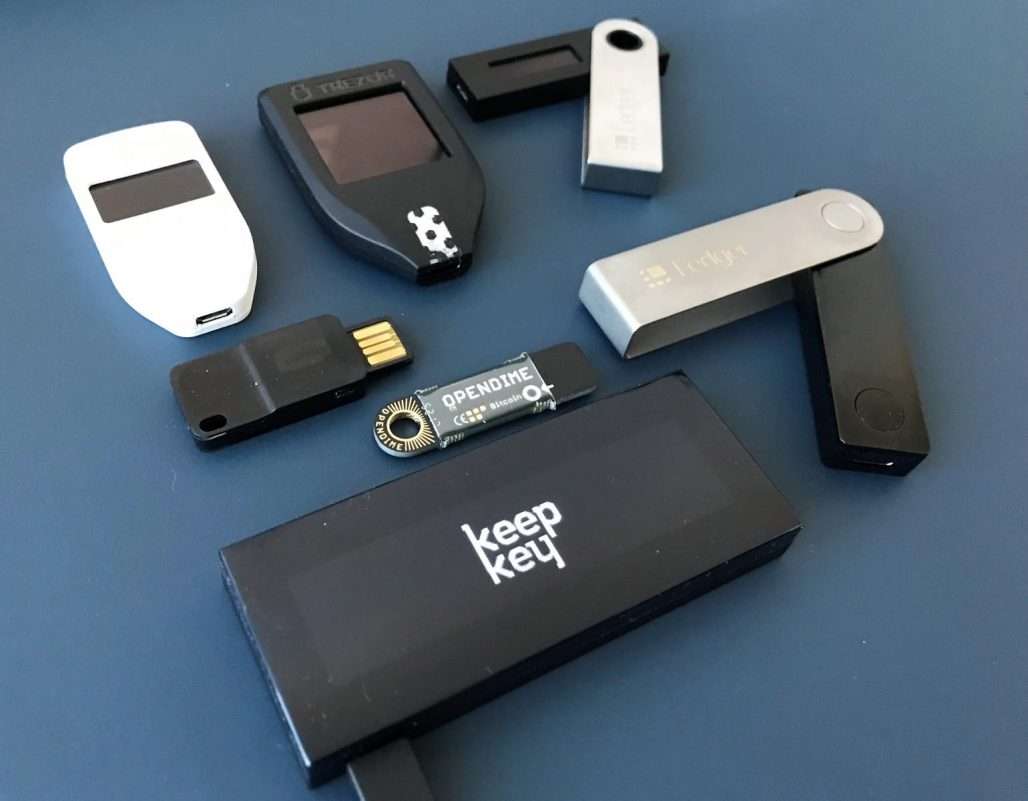
A hardware wallet is a physical device – often like a USB stick or card – that securely stores your cryptocurrency private keys offline. Unlike hot wallets or exchanges, a hardware (or “cold”) wallet keeps your keys off the internet, greatly reducing hack risk.
These devices don’t hold coins themselves; they sign transactions with your private keys so you control your crypto. Beginners, long-term HODLers, and anyone concerned about security use hardware wallets to lock away Bitcoin, Ether, and other assets safely.
In this guide, we compare the top hardware wallets worldwide (BTC, ETH, ERC-20, L2s, SOL, ADA, XRP, NFTs, staking, etc.) and explain why the BitBox02 comes out on top for most users.
Quick Picks:
- Test Winner: BitBox02 – Dual-chip security with secure element, microSD backup; excellent for privacy-minded users.
- Ledger Flex – E-Ink touchscreen and Bluetooth with certified secure element; supports thousands of coins and NFTs, ideal for mobile-friendly asset management.
- Trezor Safe 5 – NDA-free secure element, fully open-source design; broad coin support with color touchscreen, great for open-source/security enthusiasts.
- Keystone 3 Pro – Fully air-gapped QR signing, multi-fingerprint accounts, open-source firmware; MetaMask-compatible, perfect for multi-account and Web3 users.
- Tangem Wallet – Contactless NFC card (or ring) with high-grade secure chip; no seed phrase needed (comes as 2–3 cards), very beginner-friendly and portable.
| Wallet | Test Winner? |
Security | Secure Element |
Open-Source? | Connection | Backup | Coins/Chains | Companion App | Mobile | Notable Features | Price (USD/GBP) |
Best For |
|---|---|---|---|---|---|---|---|---|---|---|---|---|
| BitBox02 | Yes | Dual-chip (ARM + SE), authenticated USB, encrypted comms | Yes (CC EAL5+) | Yes (firmware & app) | USB-C (no Bluetooth) | microSD card (encrypted quick restore) | BTC, ETH, LTC, ADA, 1,500+ ERC-20 | BitBoxApp (Win/Mac/Linux, Android) | Android (USB-C) | Minimal, button-less approval; Swiss-made | $115 / £95 | Privacy & security |
| Ledger Flex | No | Certified SE, PIN, E-Ink touch | Yes (CC EAL6+) | No (proprietary) | USB-C & Bluetooth 5.2 | 24-word seed + Recovery Card | 5,500+ assets incl. NFTs | Ledger Live (Desktop/Mobile) | Yes | 2.84” E-Ink touchscreen | $129 / £120 | Multi-asset users |
| Ledger Nano X | No | Certified SE, Bluetooth, battery | Yes (CC EAL6+) | No | USB-C & Bluetooth | 24-word seed | 5,500+ assets | Ledger Live | Yes | 100+ apps installable | $120 / £100 | Bluetooth users |
| Ledger Nano S Plus | No | Certified SE, budget pick | Yes (CC EAL6+) | No | USB-C (wired) | 24-word seed | 5,500+ assets incl. NFTs | Ledger Live | No | Large color screen | $55 / £45 | Budget buyers |
| Trezor Safe 5 | No | Open-source + SE, touch UI | Yes (CC EAL6+) | Yes | USB-C | 12/24-word or Shamir | 1,000+ assets | Trezor Suite | Android (OTG) | Haptics, FIDO2/WebAuthn | $169 / £135 | Open-source security |
| Trezor Model T | No | Open-source, no SE | — | Yes | USB-C | 12/18/24-word, Shamir | 1,000+ assets | Trezor Suite | Android (OTG) | Touchscreen, Shamir backup | $169 / £150 | Open-source fans |
| Keystone 3 Pro | No | Air-gapped QR; anti-tamper | No SE (MCU only) | Yes | QR (camera) | 12/24-word, microSD multi-seed | BTC, ETH, Cosmos, DOT, 2,000+ tokens | Keystone App + Web3 wallets | Yes | Fingerprint unlock, MetaMask native | $149 / £125 | Web3 power-users |
| SafePal S1 | No | SE + self-destruct, air-gapped | Yes (SE) | Yes (core components) | QR (camera) | 12/24-word | 200+ chains incl. NFTs | SafePal App | Yes | Ultra-cheap, compact | $50 / £42 | Budget cold-storage |
| SafePal S1 Pro | No | SE + self-destruct, bigger screen | Yes (SE) | Yes (core components) | QR (camera) | 12/24-word | 200+ chains incl. NFTs | SafePal App | Yes | Physical keypad, larger display | $90 / £75 | Enhanced usability |
| Tangem Wallet | No | EAL6+ smartcard, no seed phrase | Yes (CC EAL6+) | No (proprietary) | NFC only (mobile) | 2–3 duplicate cards | 6,000+ assets (37 networks) | Tangem App | Yes | Card or ring form, ultra-portable | $60 (3-pack) / £50 | Simplicity & portability |
| CoolWallet Pro | No | SE card, Bluetooth, thin form | Yes (EAL5+) | No (proprietary) | Bluetooth (BLE 4.0) | 12-word seed (steel card) | 12,000+ assets, DeFi/NFT capable | CoolBitX App | Yes | Credit-card thickness, e-ink display | $149 / £120 | Portable style |
| GridPlus Lattice1 | No | Dual-CPU + secure OS, tamper-detect | Secure enclave (EAL7 OS) | No | USB-C (desktop) | SafeCard smartcards (PIN) | BTC, ETH, SOL, all EVM chains | Integrates with MetaMask/Rabby | No | 5″ touchscreen, clear signing, multi-wallet | $397 / £330 | Security-obsessed |
BitBox02
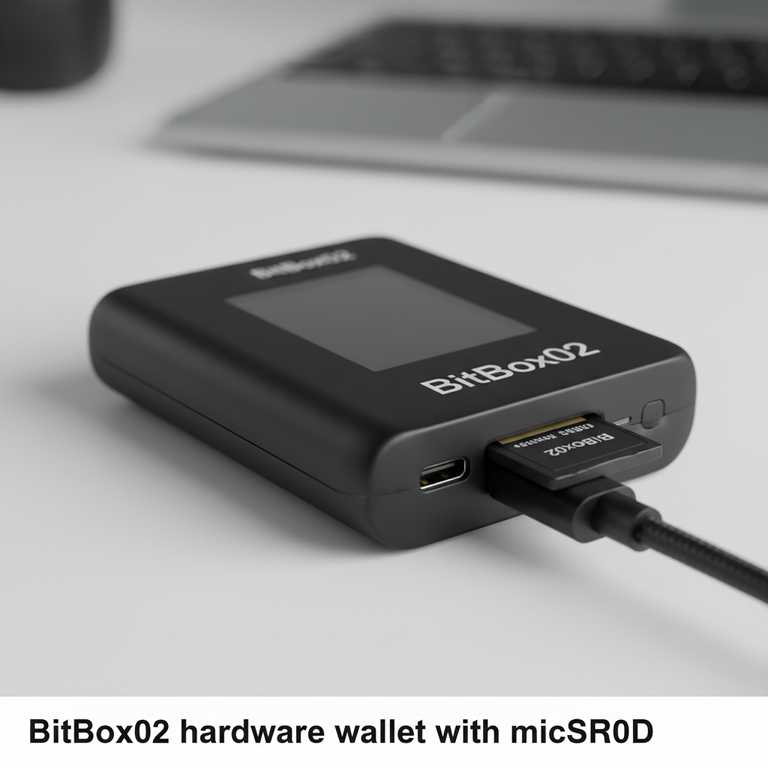
The BitBox02 (Shift Crypto) is a compact, USB-C hardware wallet known for its strong security and user-friendly design. It uses a “dual-chip” architecture – one chip for the secure element (CC EAL5+ certified) and a general-purpose microcontroller – giving it the best of both worlds: robust security with open-source software. The firmware and companion app are fully open source, allowing community audits. The BitBoxApp verifies device integrity at setup. All private keys stay on-device; Bluetooth is not supported, so communication is only via USB-C (no wireless attack surface).
- Secure element: Yes (CC EAL5+), dual-chip design
- Backup: Encrypted microSD (quick restore)
- Assets: BTC, LTC, ADA, ETH, 1,500+ ERC-20
- Mobile: Android via USB-C; desktop apps for Win/Mac/Linux
Pros: Very secure dual-chip design; easy, quick backup on microSD; fully open source; minimal, silent controls; supports modern standards like Taproot/PSBT via compatible apps. Cons: No Bluetooth or battery; smaller minimalist interface; requires microSD backup handling.
Ledger Flex
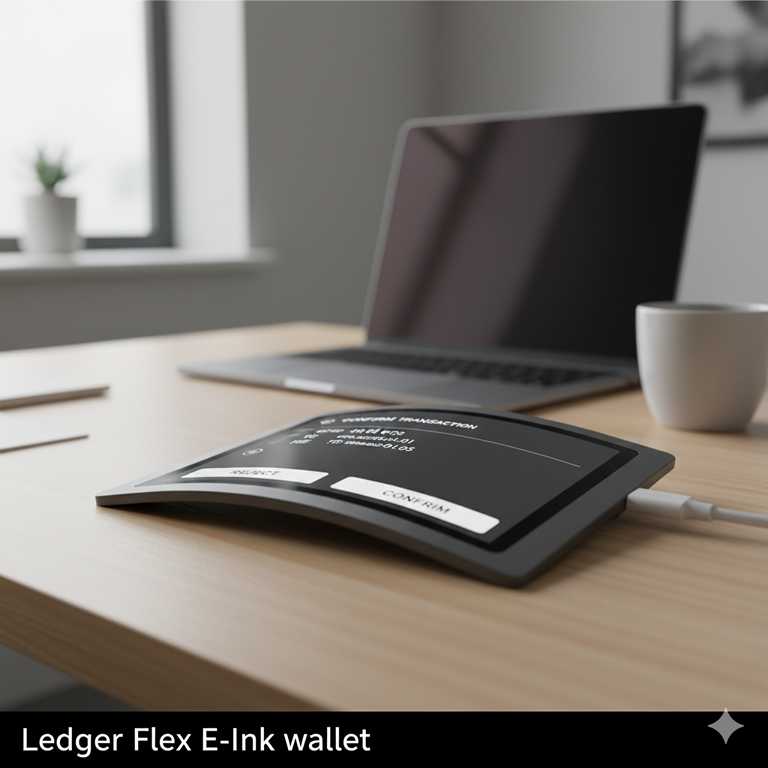
The Ledger Flex is a modern Ledger device that blends a 2.84-inch E-Ink touchscreen with Bluetooth LE for mobile convenience. Its security relies on a certified secure element and Ledger’s hardened OS. You back up with a standard 24-word seed and an additional physical Recovery Card. This device targets users who want a more readable signing experience without going full-touch like Ledger Stax.
- Secure element: CC EAL6+
- Backup: 24-word seed + physical recovery card
- Assets: 5,500+ coins/tokens; NFTs via Ledger Live
- Connectivity: USB-C + Bluetooth 5.2
Pros: E-Ink touch is clear and power-efficient; seamless mobile use; broad asset support. Cons: Closed-source firmware; battery-based; priced higher than basic models.
Ledger Nano X
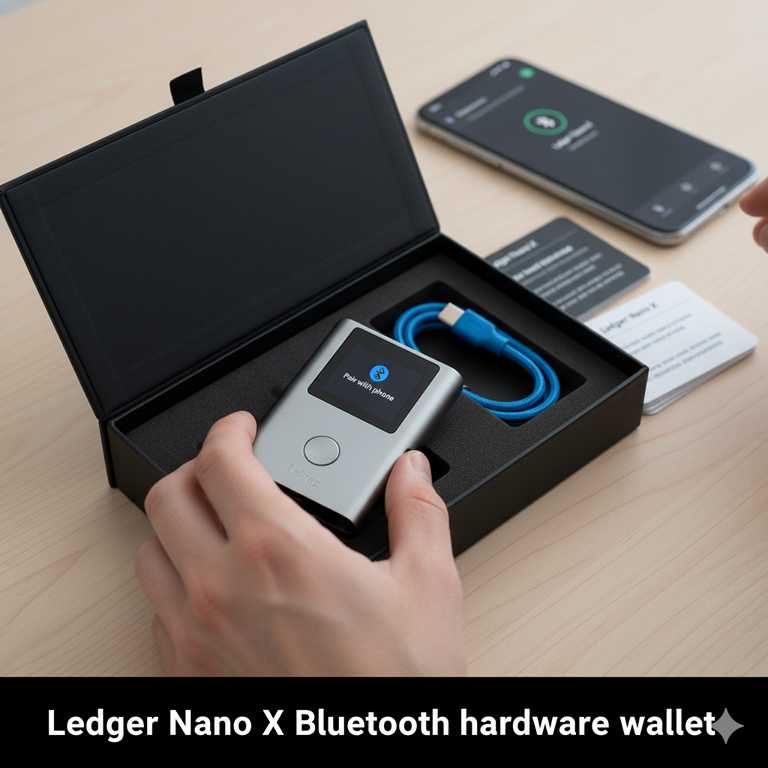
Ledger Nano X pairs a certified secure element with Bluetooth and a built-in battery, making it a long-standing favorite for on-the-go users. It supports thousands of assets and integrates staking, NFTs, and DeFi through Ledger Live and partner apps.
- Secure element: CC EAL6+
- Backup: 24-word seed
- Assets: 5,500+ supported
- Connectivity: USB-C, Bluetooth
Pros: Wireless convenience; large app capacity; mature ecosystem. Cons: Closed-source; Bluetooth expands the attack surface (keys remain inside SE); mid-high price tier.
Ledger Nano S Plus
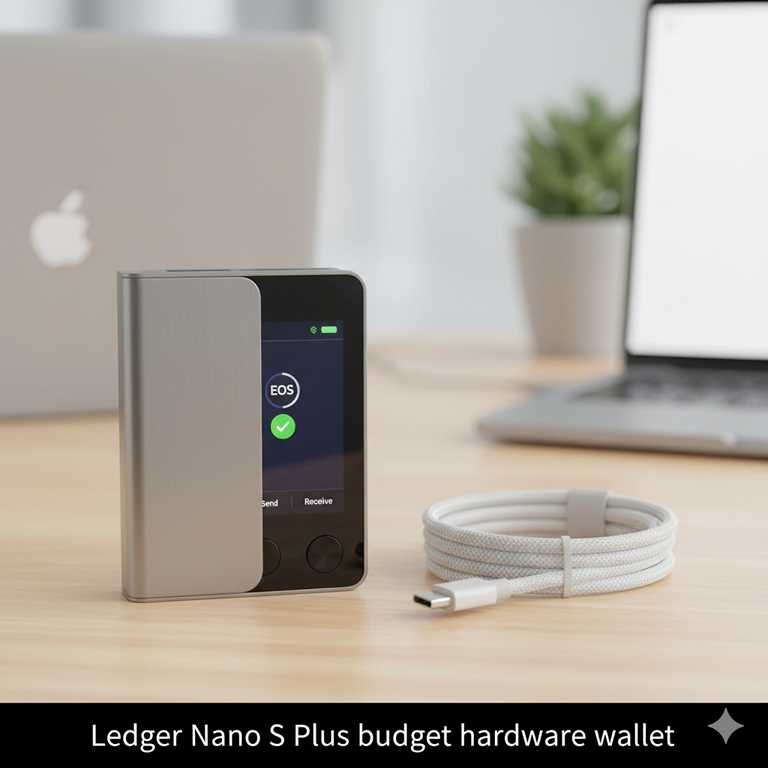
Ledger Nano S Plus is the budget choice in Ledger’s lineup, with a larger screen and more storage than the classic Nano S, but no Bluetooth. It runs the same secure element and companion software, making it an affordable entry point for beginners who don’t need wireless.
- Secure element: CC EAL6+
- Backup: 24-word seed
- Assets: 5,500+ incl. NFTs
- Connectivity: USB-C only
Pros: Very affordable; clear screen; mature app ecosystem. Cons: No Bluetooth; fewer apps simultaneously compared with Nano X.
Trezor Safe 5
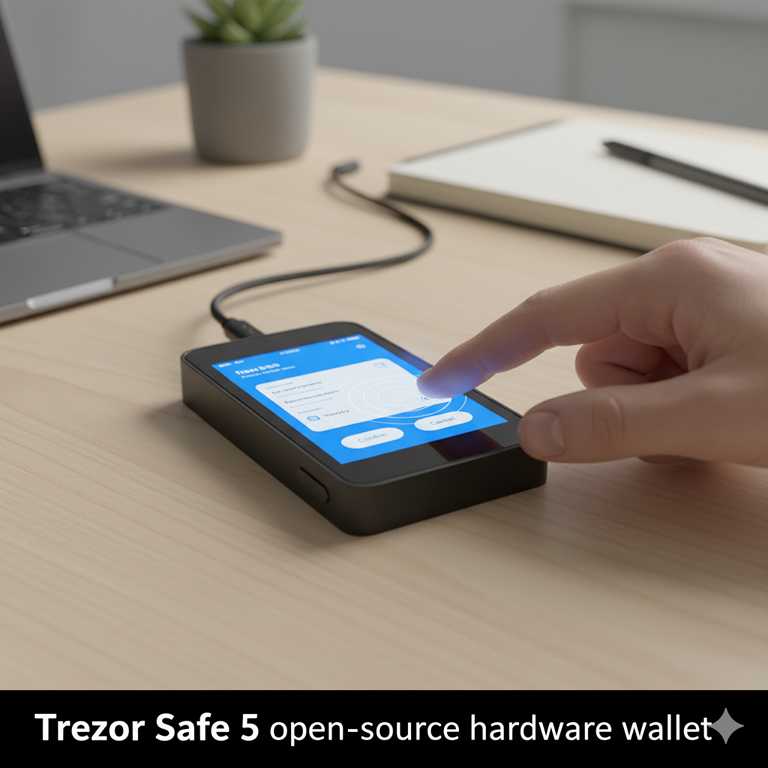
Trezor Safe 5 adds a certified secure element to Trezor’s fully open-source approach. You get a color touchscreen, passphrase support, and optional Shamir backups. Trezor Suite remains one of the most beginner-friendly apps, with clear transaction previews and privacy options like coin control for Bitcoin.
- Secure element: CC EAL6+
- Backup: 12/24-word seed (20-word option), Shamir (SLIP-39)
- Assets: 1,000+ (BTC, ETH, ERC-20, XRP, ADA, etc.)
- Connectivity: USB-C
Pros: Transparent, auditable design; great UX; strong backup options. Cons: Higher price; no Bluetooth; touch UI can smudge.
Trezor Model T
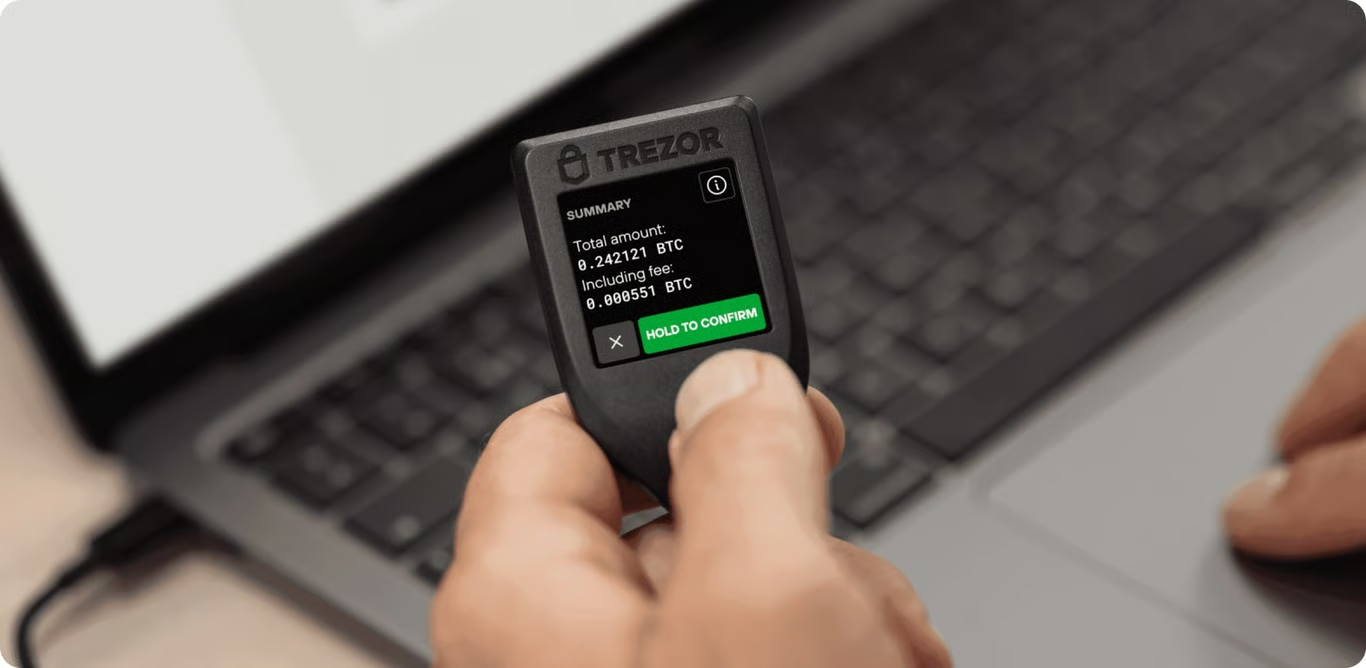
The Model T is a classic touchscreen wallet without a certified secure element, but with fully open-source firmware and strong features. It pioneered Shamir backups for consumer wallets and remains a favorite among transparency-focused users.
- Secure element: No (STM32 MCU)
- Backup: 12/18/24-word, Shamir
- Assets: 1,000+ supported
- Connectivity: USB-C
Pros: Full transparency; intuitive UI; advanced recovery. Cons: No SE; price overlaps newer tech with SE.
Keystone 3 Pro

Keystone 3 Pro is fully air-gapped: no Bluetooth, Wi-Fi, or USB needed for signing. Transactions are moved by QR codes, and the large touchscreen makes reviewing details straightforward. It supports multiple seeds on microSD and fingerprint/PIN account switching. Native integrations with MetaMask and other Web3 wallets make it a power tool for EVM chains and beyond.
- Secure element: None (multi-MCU + anti-tamper)
- Backup: 12/24-word on microSD; multi-seed
- Assets: BTC, ETH, Cosmos, DOT, many EVM tokens
- Connectivity: QR (camera)
Pros: No radios = minimal remote attack surface; excellent Web3 integrations; multi-account flexibility. Cons: QR workflow adds steps; bulkier than USB sticks; microSD management for newbies.
SafePal S1 / S1 Pro
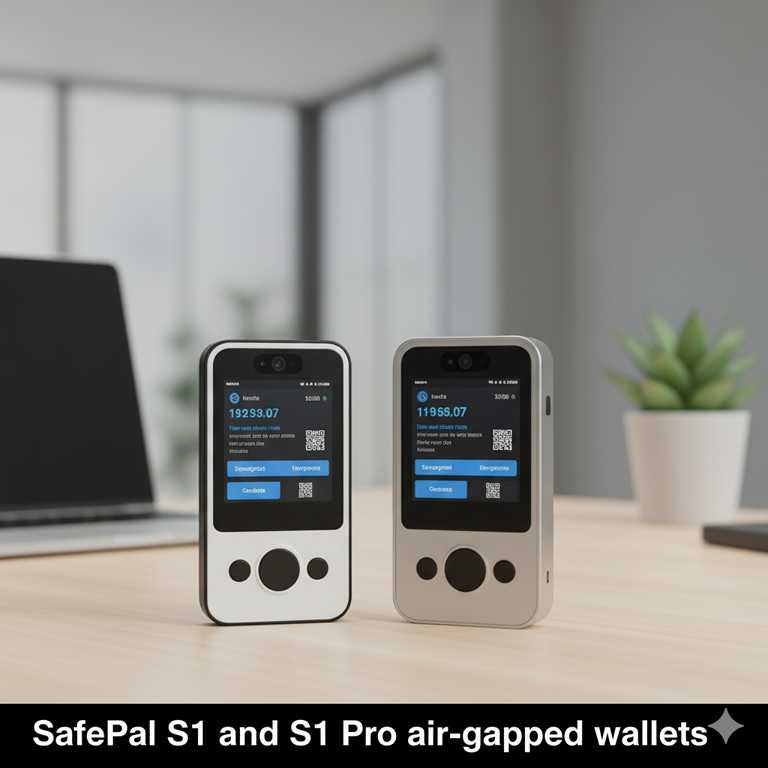
SafePal offers extremely affordable, camera-based cold wallets that remain air-gapped thanks to QR code signing. The S1 Pro adds a larger screen and physical keypad. Both pair with the SafePal mobile app and support hundreds of chains, NFTs, and DeFi bridges.
- Secure element: Yes (with tamper-wipe)
- Backup: 12/24-word
- Assets: 200+ chains
- Connectivity: QR (camera)
Pros: Very low cost; air-gapped; broad support. Cons: Slower UX; small display on S1; mostly tied to SafePal app flow.
Tangem Wallet
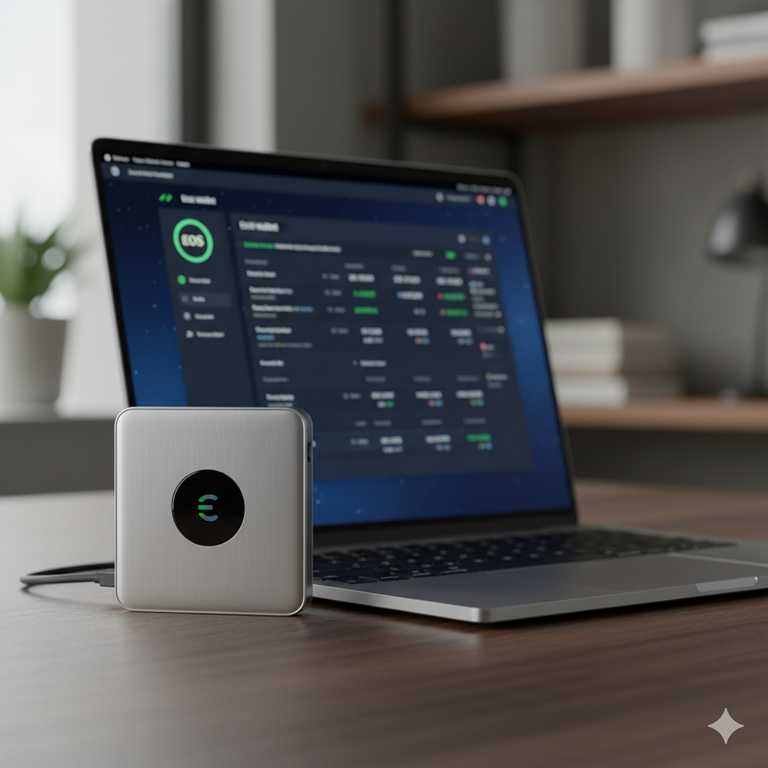
Tangem is the simplest form of cold storage for many users: a rugged NFC smartcard (or ring) with a high-grade secure chip. There’s no seed phrase—redundancy is achieved with multiple identical cards. Tap to the Tangem app to sign. It supports a huge range of assets across dozens of networks.
- Secure element: CC EAL6+
- Backup: 2–3 identical cards
- Assets: 6,000+ across 30+ networks
- Connectivity: NFC (mobile only)
Pros: Tap-and-go simplicity; ultra-portable; durable. Cons: No screen; relies on phone display; if all cards are lost, funds are irrecoverable.
CoolWallet Pro
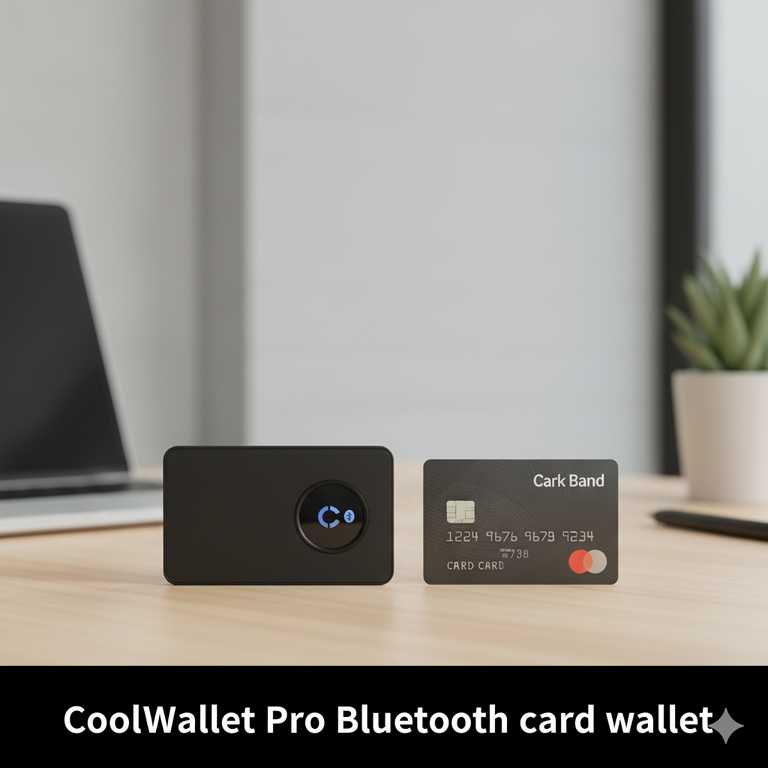
CoolWallet Pro squeezes a secure element, battery, and e-ink display into a credit-card-thick body. It communicates via Bluetooth to the mobile app and supports a very broad list of assets, including DeFi and NFTs. It’s a stylish, always-with-you form factor that fits a physical wallet.
- Secure element: EAL5+ class
- Backup: 12-word seed (often bundled with a steel plate)
- Assets: 10k+ range via app integrations
- Connectivity: Bluetooth (BLE)
Pros: Ultra-thin; travel-friendly; quick mobile workflows. Cons: Closed-source; small display; needs charging.
GridPlus Lattice1
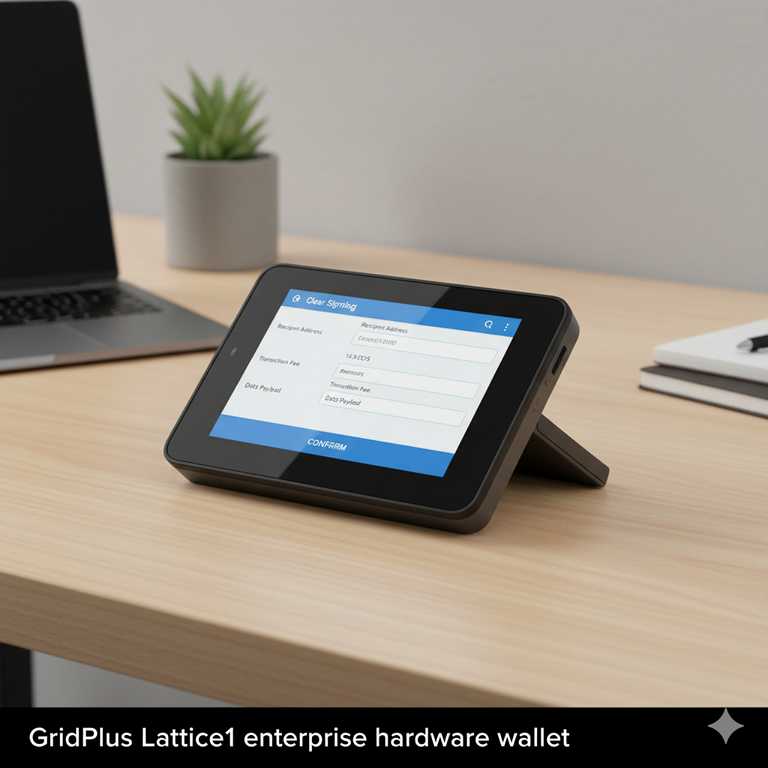
Lattice1 is a desk-based, enterprise-grade wallet with a big 5″ screen and SafeCard backups. It’s ideal for heavy DeFi users and teams who need crystal-clear transaction review, multiple separate wallets via SafeCards, and deep desktop integrations with MetaMask/Rabby/Frame.
- Secure architecture: Dual-environment with secure OS
- Backup: SafeCards (PIN-protected)
- Assets: BTC, ETH, SOL, all EVM chains
- Connectivity: USB-C (no Bluetooth)
Pros: Highest clarity for signing; multi-wallet via SafeCards; robust build. Cons: Expensive; stationary; overkill for casual holders.
FAQ
Do I really need a hardware wallet?
If you hold a meaningful amount of crypto or plan to hold long-term, a hardware wallet adds a strong security layer. It keeps your private keys offline, safe from malware and exchange risk. Even beginners benefit because it’s the safest way to self-custody.
What if I lose my hardware wallet?
Your recovery phrase restores access on a new device. Keep it offline, on paper or metal, and never share or photograph it. If you use card-style backups (e.g., Tangem or SafeCards), keep spares separately and secured.
Which coins are supported?
Most leading devices support Bitcoin, Ethereum (plus ERC-20 and L2s), Solana, Cardano, XRP, and many others. Always check the official support list for your exact assets and any required third-party integrations.
Can I stake or use DeFi with a hardware wallet?
Yes. Companion apps like Ledger Live, Trezor Suite, SafePal, Keystone, and others integrate staking, NFTs, and DeFi. Your keys stay on the device; the app handles the connection to networks and dApps.
What are Taproot and PSBT?
Taproot is a Bitcoin upgrade improving privacy and flexibility; most modern devices support it after firmware updates. PSBT (Partially Signed Bitcoin Transaction) enables advanced workflows (e.g., multisig); it’s widely supported by current wallets and desktop clients.
Open-source vs closed-source?
Open-source firmware lets the community audit code (favored by transparency-minded users). Closed-source devices rely more on external certifications and secure elements. Both approaches can be secure; choose based on your trust model.
How much should I budget?
Entry devices start around $50–60, mid-range around $100–150, premium models $150–200, and enterprise options ~$400+. Balance price with your holdings and required features.
How to Choose
- Security model: secure element rating, anti-tamper design.
- Openness: open-source firmware/hardware vs proprietary.
- Backup method: seed phrase vs microSD vs smartcards.
- Asset support: confirm your chains/tokens (BTC, ETH/L2s, SOL, ADA, XRP).
- Ease of use: touchscreen vs buttons, app UX, beginner setup flow.
- Connectivity: USB-only, Bluetooth, or QR air-gapped.
- Extras: NFTs, staking, multisig, PSBT, account abstraction.
- Price & availability: check current USD/GBP pricing in UK/US stores.
Safe Setup in 7 Steps
- Buy from official or trusted retailers only.
- Check seals/packaging; initialize with the official app.
- Set a strong PIN and consider a passphrase if supported.
- Write down the recovery phrase on paper/metal—never digitally.
- Verify the phrase on-device when prompted.
- Store backups separately, safe from fire/theft/water.
- Test with a small transfer before moving large funds.
Air-gapped
Open-source
Bluetooth