

 All news is rigorously fact-checked and reviewed by leading blockchain experts and seasoned industry insiders.
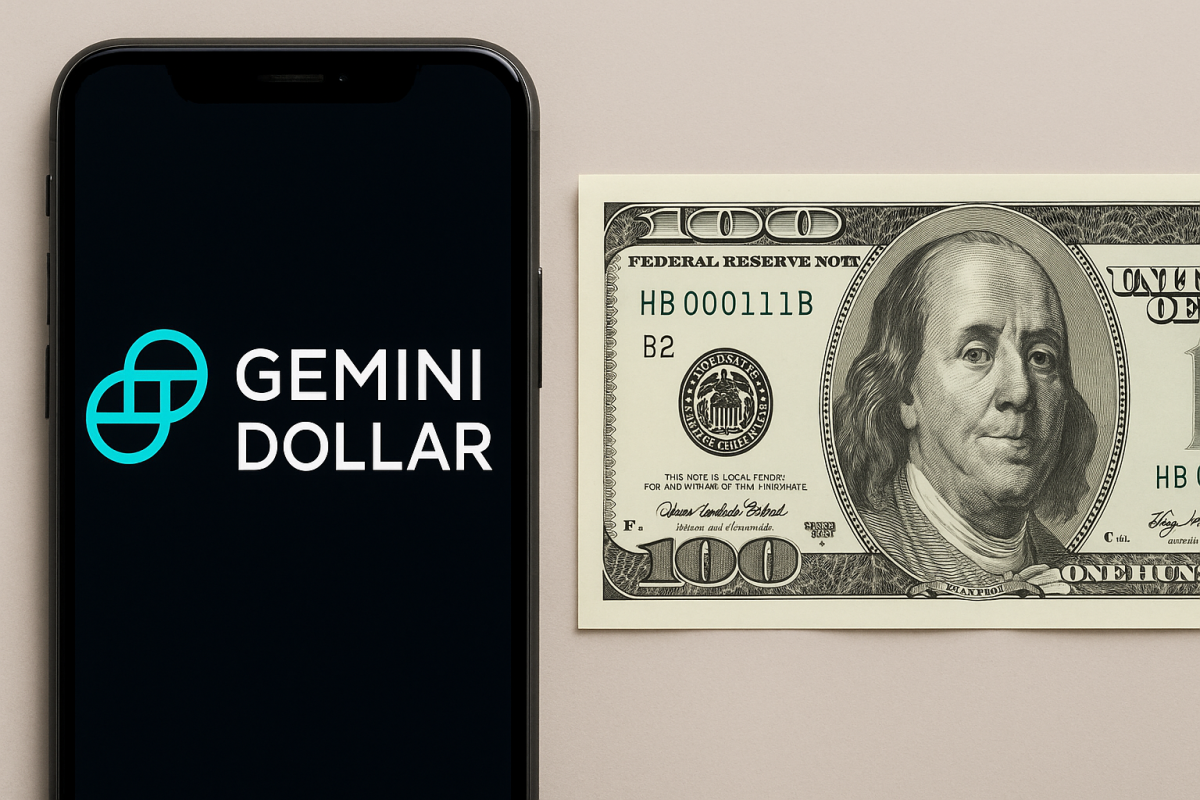
Gemini Dollar (GUSD) is a U.S. dollar–pegged digital token designed to move like cash across crypto networks while keeping a steady $1 value for everyday use.
Gemini Dollar in a Nutshell
Key takeaway: You use GUSD to hold and send a dollar-equivalent on-chain. It behaves like a stable “digital cash” unit you can transfer 24/7, settle quickly, and pair against other assets on exchanges or in apps.
| Item | Detail |
|---|---|
| Token type | Fiat-backed stablecoin (target: $1) |
| Primary network | Ethereum (ERC-20); availability on additional networks depends on the platform you use |
| Primary uses | On-chain payments, stable trading pair, moving dollars between exchanges and wallets |
| Typical audience | Beginners seeking a dollar-like asset on crypto rails |
How GUSD Works, Step by Step
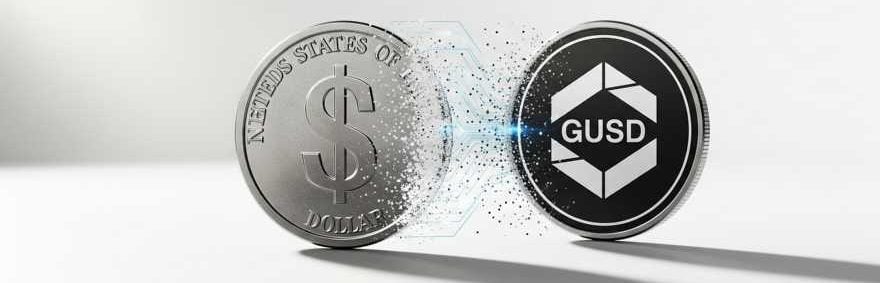
You can think of GUSD as a token that mirrors one U.S. dollar. When you acquire it on an exchange or supported app, you’re holding a dollar-denominated balance on-chain. When you send GUSD, the settlement happens on the underlying blockchain—fast, transparent, and timestamped. When you no longer need it, you can typically trade it for fiat or another asset on the platforms you use.
Mint → Transfer → Redeem
- Mint: Platforms bring new tokens into circulation when users exchange dollars for GUSD. You experience this as “buying GUSD” inside your app or depositing dollars and receiving tokens.
- Transfer: You send GUSD to a wallet address like any ERC-20 token. Transfers confirm on-chain and are viewable in a block explorer.
- Redeem: When you trade GUSD back for dollars (or another asset), the platform retires the corresponding tokens and credits your new balance accordingly.
Good to know: Your experience—supported networks, fees, and limits—depends on where you hold GUSD (exchange, wallet app, or self-custody). Always check your platform’s network list before withdrawing.
Set Up Your First GUSD Wallet
You have two basic choices: keep GUSD with a provider (exchange or wallet app) or use a self-custody wallet where you control the keys. For beginners, a reputable app with GUSD support is the fastest route. If you already use a self-custody wallet, confirm it supports ERC-20 tokens and add GUSD by its contract address when needed.
First-time setup checklist (tick off as you go):
- ☑ Install a trusted wallet or open an account on a platform that supports GUSD
- ☑ Back up your recovery phrase (self-custody) and store it offline
- ☑ Enable passcode / biometric login on your device
- ☑ Verify GUSD support and the correct network before moving funds
- ☑ Test with a small transfer to confirm the address and network are correct
Buying and Moving GUSD
You typically acquire GUSD by depositing dollars on a participating platform and converting them into tokens, or by trading from another crypto asset. Once you have GUSD, you can withdraw to your own wallet or keep it inside the app. To move it externally, choose the network (e.g., Ethereum), paste your destination address, and confirm the fee and estimated time. Always start with a small “test” transaction if it’s your first transfer to the address.
| Action | Where it happens | What you do |
|---|---|---|
| Buy GUSD with dollars | Exchange or wallet app | Deposit USD → convert to GUSD in the app |
| Swap into GUSD | Exchange or swap tool | Trade from another crypto (e.g., ETH) into GUSD |
| Send GUSD to a friend | Your wallet | Enter their address, choose network, pay network fee |
| Move GUSD between exchanges | Withdraw on one, deposit on the other | Match network on both ends; test with a small amount |
Fees: What You Actually Pay
Your costs come from the network and the platform you use. Network fees depend on congestion and the chain (e.g., Ethereum gas). Platforms may also charge trading or withdrawal fees. Keep an eye on both:
| Fee | Who charges it | When it applies | How to reduce it |
|---|---|---|---|
| Network fee (gas) | Blockchain | Sending GUSD on-chain | Batch transfers; send during quieter periods |
| Trading fee | Exchange | Buying or selling GUSD | Use fee tiers; consider limit orders if supported |
| Withdrawal fee | Exchange or wallet app | Moving GUSD off the platform | Consolidate withdrawals; check network choices |
Tip: If you plan several transfers, you may prefer one larger withdrawal rather than many small ones. Always confirm the network and destination address before you press send.
Where GUSD Fits in Your Day-to-Day
GUSD is most useful when you want to stay in dollars while operating in crypto venues. You can park funds between trades, move balances across platforms without re-exchanging into fiat, and simplify payments to contacts already on-chain. For teams, it can streamline treasury transfers and basic accounting by maintaining dollar units rather than a volatile asset.
[VIDEO — YouTube search suggestion: “Gemini Dollar (GUSD) beginner guide wallet setup and transfers”]
Self-Custody vs. Keeping GUSD on a Platform
With self-custody, you hold the private keys and manage backups. This gives you direct control over your tokens at the cost of extra responsibility for setup and safekeeping. Holding GUSD on a platform reduces the friction of onboarding and recovery while delegating key management and operational tasks to the provider. Many beginners start with a platform account and later move to self-custody for a portion of their holdings once they’re comfortable with wallets and addresses.
Practical route for newcomers: Start simple on a reputable platform that supports GUSD. Learn how deposits, swaps, and withdrawals work. When you feel ready, create a self-custody wallet, practice with small transfers, and build from there.
Comparing GUSD to Other Major Stablecoins
You’ll encounter several dollar-pegged tokens. They share the same idea—$1 on-chain—but differ in issuer model, collateral approach, and tooling around them. This side-by-side view helps you frame GUSD’s role.
| Feature | GUSD | USDC | USDT | DAI |
|---|---|---|---|---|
| Peg target | $1 | $1 | $1 | $1 |
| Collateral approach | Fiat-backed reserves | Fiat-backed reserves | Fiat-backed reserves | Crypto-collateralized model |
| Primary networks | Ethereum; others as supported by platforms | Multiple, including Ethereum | Multiple, including Ethereum | Multiple, including Ethereum |
| Common use cases | Wallet-to-wallet transfers; exchange pairs | Payments; exchange pairs | Payments; exchange pairs | On-chain borrowing and trading |
Sending, Receiving, and Viewing Transactions
When you send GUSD, you enter a recipient address and choose the network supported by both ends of the transfer. The transaction is then broadcast and confirmed on-chain. You can monitor its status in a block explorer by pasting your transaction hash or wallet address. If a payment seems delayed, check the network fee you used and the explorer’s confirmation count. For incoming funds, the same process applies—your counterparty sends to your address, and you watch the confirmations arrive.
Workflow example: You buy GUSD on an exchange → you withdraw to your wallet (Ethereum network) → the explorer shows pending then confirmed → your wallet balance updates. Next time, reuse the saved address entry to avoid re-typing.
Reliable Handling: Habits That Make Your Life Easier
Stablecoins are simple once you have a routine. Keep clear records of where your tokens are, maintain a consistent naming convention for saved addresses (for example, “My Main Wallet — ETH”), and decide which network you use by default. If you manage a team wallet, define a transfer threshold that requires a second check before sending, and store those rules alongside your backups. Over time, your daily handling of GUSD becomes as straightforward as using a payments app.
